What you will be able to do after this lesson
You will be able to specify the administrative block through workstations and processes, not the number of modules.
Why it matters
The administrative block is sized from departments and workstations: who is permanently on site, who needs meeting rooms, where the dispatch room is, where the archive and server equipment are located, how access control and communication with the security checkpoint are organized. A fixed number of modules "per 50 people" without this program describes nothing.
The list of workstations defines the local network, internet, backup power for critical workstations, air conditioning and furniture. This is the factory-built part of the modules, and it is easier to provide for it during manufacturing than to retrofit it on site.
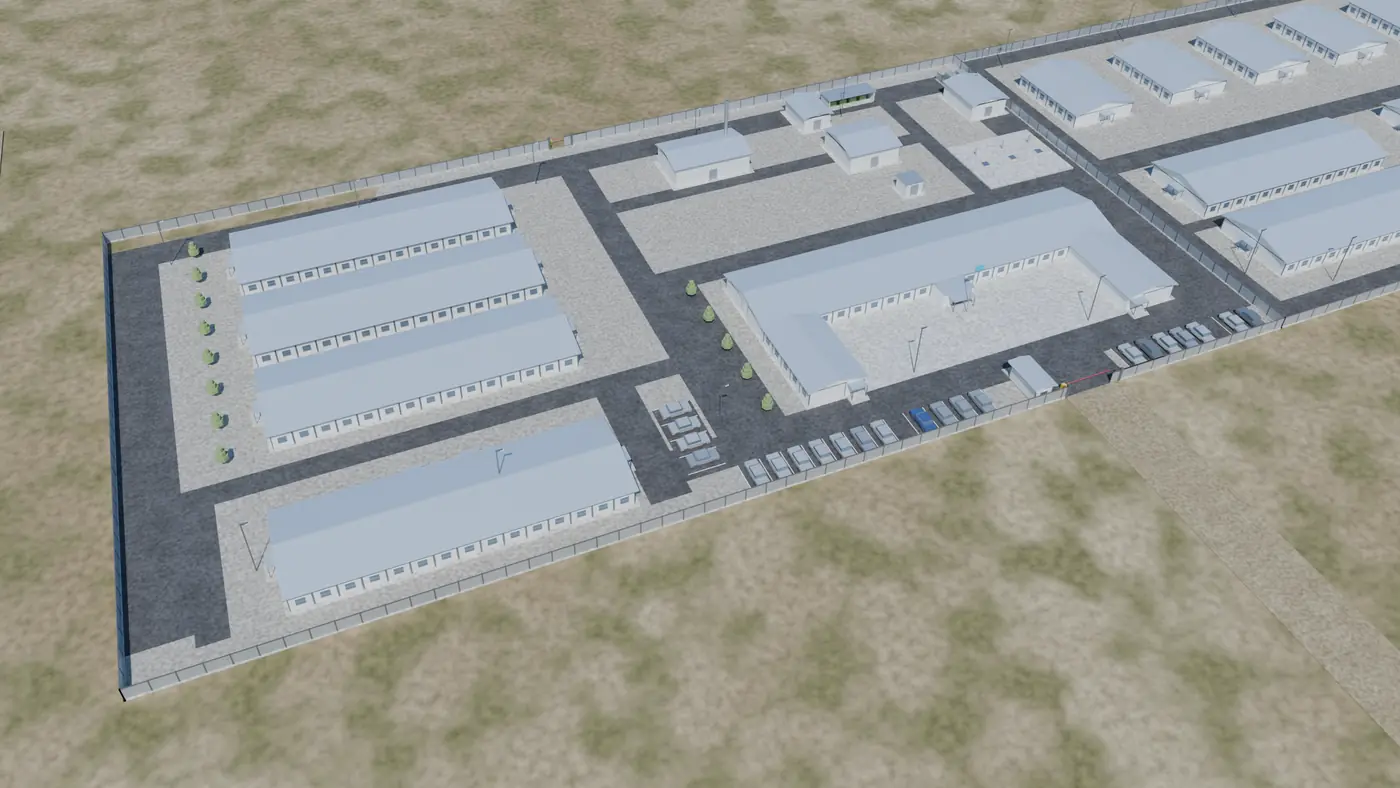
The admin and welfare block (ABK) and the security checkpoint are tied to camp security and logistics: placement on the master plan, visibility of the entrance, staff routes. That is why administrative facilities appear on the master plan together with the residential buildings, not after them.
How to apply this on a project
- Step 1. Compile a list of departments and workstations.
- Step 2. Define the meeting rooms, dispatch room, archive and server equipment.
- Step 3. Clarify access control and communication with the security checkpoint.
- Step 4. Specify the local network, internet and backup power for critical workstations.
Typical mistake
Sizing the administrative block as a fixed number of modules per 50 people without a functional program.
Check before the next step
- Workstations
- Meeting rooms
- Communications
- Archive
- Access control
- Backup power
Related materials and tools
- Admin and welfare blocks (ABK)
- Security checkpoints and guard posts
- Project: construction camp in Astana
Apply the lesson to your project
Gather the input data and record the unknown parameters as questions for approval. We prepare a calculation based on the questionnaire within 1 working day.